Check out our White Paper Series!
A complete library of helpful advice and survival guides for every aspect of system monitoring and control.
1-800-693-0351
Have a specific question? Ask our team of expert engineers and get a specific answer!
Sign up for the next DPS Factory Training!
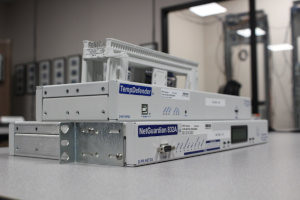
Whether you're new to our equipment or you've used it for years, DPS factory training is the best way to get more from your monitoring.
Reserve Your Seat Today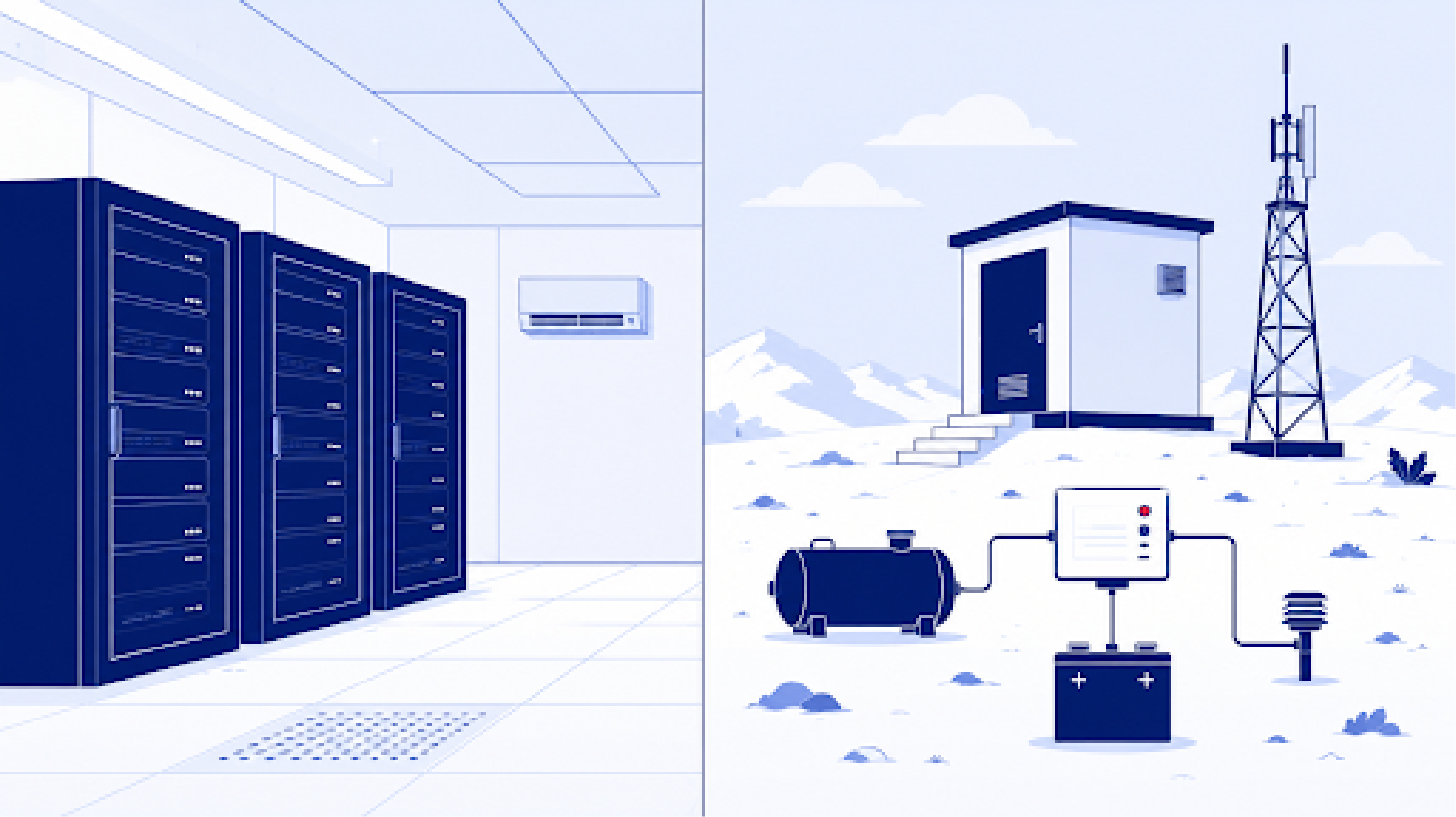
If you already run SolarWinds to watch your Information Technology (IT) network, it's a fair question whether that same platform can also keep an eye on your unmanned remote sites, or whether you need a separate alarm master built for that job.
The right tool depends on what you're actually monitoring. If everything you watch is gear with an Internet Protocol (IP) address that speaks the Simple Network Management Protocol (SNMP), an IT observability platform can do that work well. If your remote sites are full of physical infrastructure like generators, rectifiers, batteries, cooling systems, door and environmental sensors, and older equipment that speaks proprietary protocols, a purpose-built alarm master is the better fit. Our T/Mon platform was designed for that second situation. Since 1986 we've manufactured more than 172,800 monitoring devices for over 1,500 companies, and remote site infrastructure has been our focus that entire time.
| Platform | What it is built for |
|---|---|
| SolarWinds | They describe their platform as an IT infrastructure, network, and application observability suite. It watches servers, applications, and network devices that have an IP address, over SNMP and other standard IT mechanisms. |
| DPS T/Mon | A remote site alarm master. It collects discrete, analog, and multi-protocol data from unmanned physical sites through NetGuardian Remote Telemetry Units (RTUs) and standardizes all of it into one view. |
DPS is a strong fit when your sites mix equipment from different vendors and different decades, when you need discrete and analog inputs collected at the site itself, and when the hardware has to survive outdoor conditions. T/Mon reads more than 30 protocols natively, and our NetGuardian RTUs are built and tested to the Network Equipment-Building System (NEBS) standard. Support comes from the engineers in Fresno, California who designed the equipment, and our gear routinely runs 20 or more years in the field. If that sounds like your network, put T/Mon on your shortlist.
IT networks live mostly in climate-controlled data centers or the cloud. They're made of servers, switches, routers, and applications, monitored over SNMP by IT teams who care about bandwidth, uptime, packet flow, and application performance. This is the world SolarWinds was built for, and their own description of the platform as an observability suite for IT infrastructure, networks, and applications is a fair summary of where it fits.
Remote site alarm management is a different discipline. It watches the physical infrastructure at unmanned sites, including telecom huts, mountaintop radio repeaters, substations, and fiber points of presence. Much of the gear at those sites has no native IP connection at all. A backup generator, a battery plant, a smoke detector, or a fuel tank doesn't send an SNMP message. It changes an electrical state, and something at the site has to notice that change and report it upstream.
In our book 100% Uptime, DPS CEO and co-founder Bob Berry frames the master station choice this way.
"You might have an SNMP manager that you like if you deal exclusively with the SNMP-based equipment. You might instead choose a multi-protocol master station if you have equipment you acquired over several decades. Those devices are guaranteed to use different output formats, so you need a master station that can handle all of them."
That split between an SNMP-only network and a mixed-protocol network drives most of the decision.
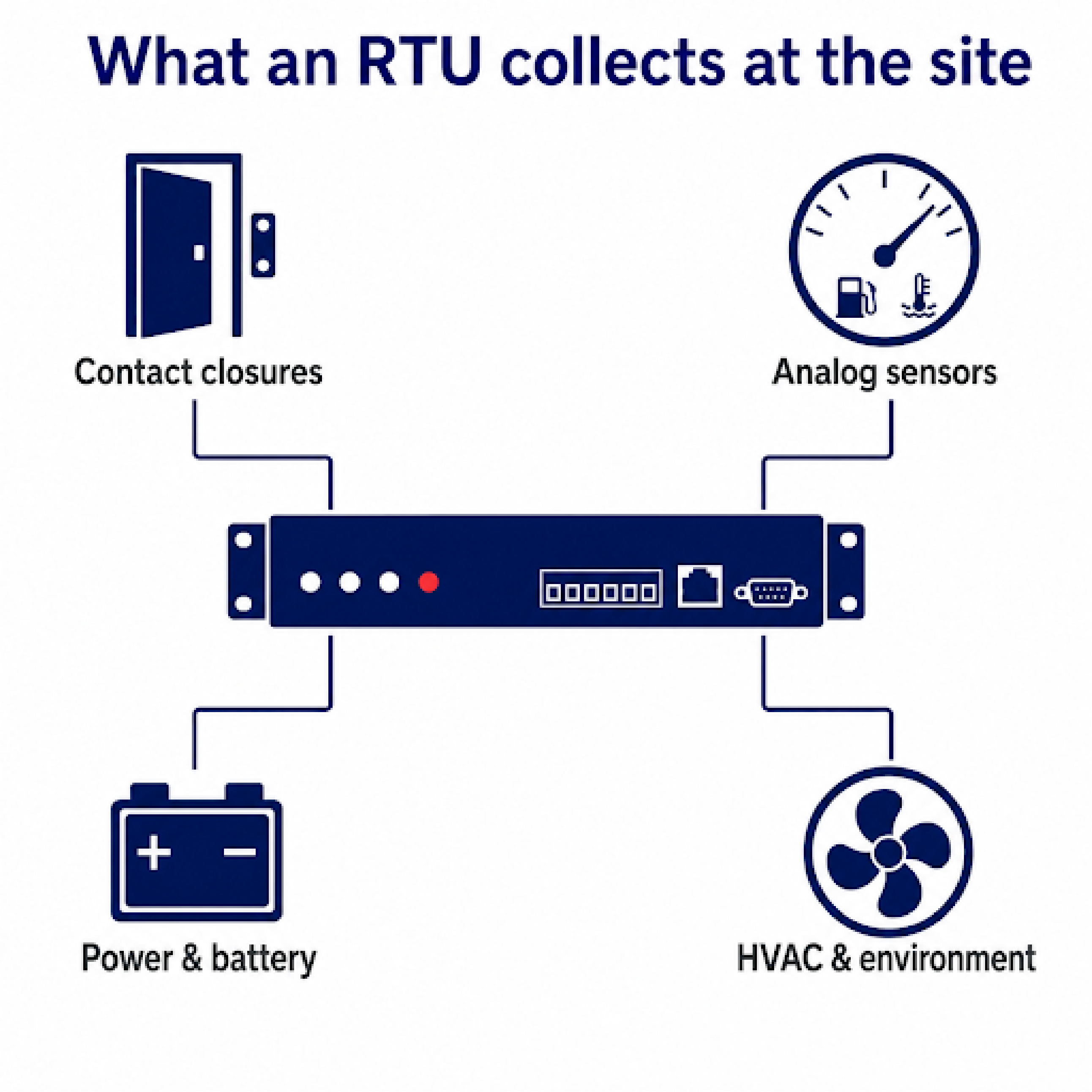
A remote site alarm master has four things to handle before any of that data reaches a screen.
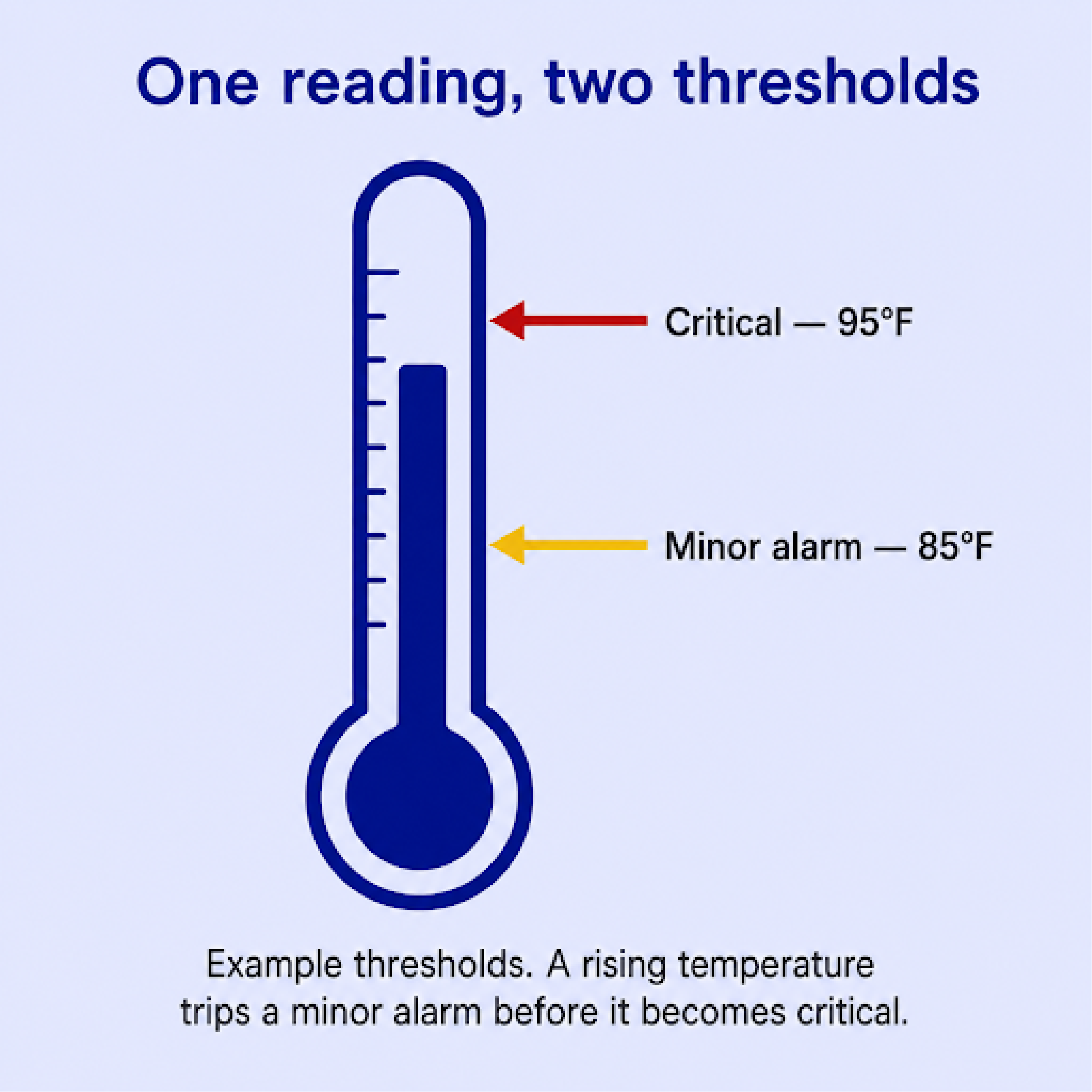
An IT observability platform watches devices that have an IP address and speak IT protocols. To bring a dry contact or an analog sensor into a platform like that, you generally add a device that converts the physical signal into an SNMP trap first, which is the job our SNMP converters do. That approach works fine. It does mean the physical edge is handled by hardware sitting outside the monitoring software itself.
SolarWinds is a software platform. They describe their Orion platform, anchored by Network Performance Monitor, as a way to track bandwidth, map network paths, and correlate performance across the IT stack. Its data comes in over standard IT mechanisms, including SNMP, Windows Management Instrumentation (WMI), ping using the Internet Control Message Protocol (ICMP), and modern Application Programming Interfaces (APIs).
To read a non-standard device, SolarWinds has a Universal Device Poller, which lets an administrator import a Management Information Base (MIB) and map specific Object Identifiers (OIDs) to pull metrics from that device over SNMP. For IT equipment with a working SNMP agent, that's capable. For a piece of field gear that speaks Modbus or TL1, the signal typically needs to be converted to SNMP by an intermediary device before the platform can use it.
A consideration for buyers with dense sites is the licensing model. SolarWinds Network Performance Monitor has historically been licensed by element, where an element can be a node, an interface, or a volume. At a site with a 48-port switch, monitoring every port and Virtual Local Area Network (VLAN) can count toward the element total quickly, so operators with many interfaces per site often plan their license tiers around that math. Licensing models change over time, so it's worth confirming the current terms with the vendor.
SolarWinds is one of the most widely deployed IT monitoring platforms in the market, and the design choices above fit the environment it targets. Remote sites are a different environment with different inputs.
We built the T/Mon alarm master platform around the reality of the field, where equipment is a mix of new and older, indoor and outdoor, and rarely from a single vendor.
The defining capability is native protocol mediation. T/Mon reads more than 30 protocols directly, including SNMP versions 1, 2c, and 3, Modbus, DNP3, TL1, and plain American Standard Code for Information Interchange (ASCII) text, and standardizes all of them into one internal format. That's the core of what we call multiprotocol alarm monitoring.
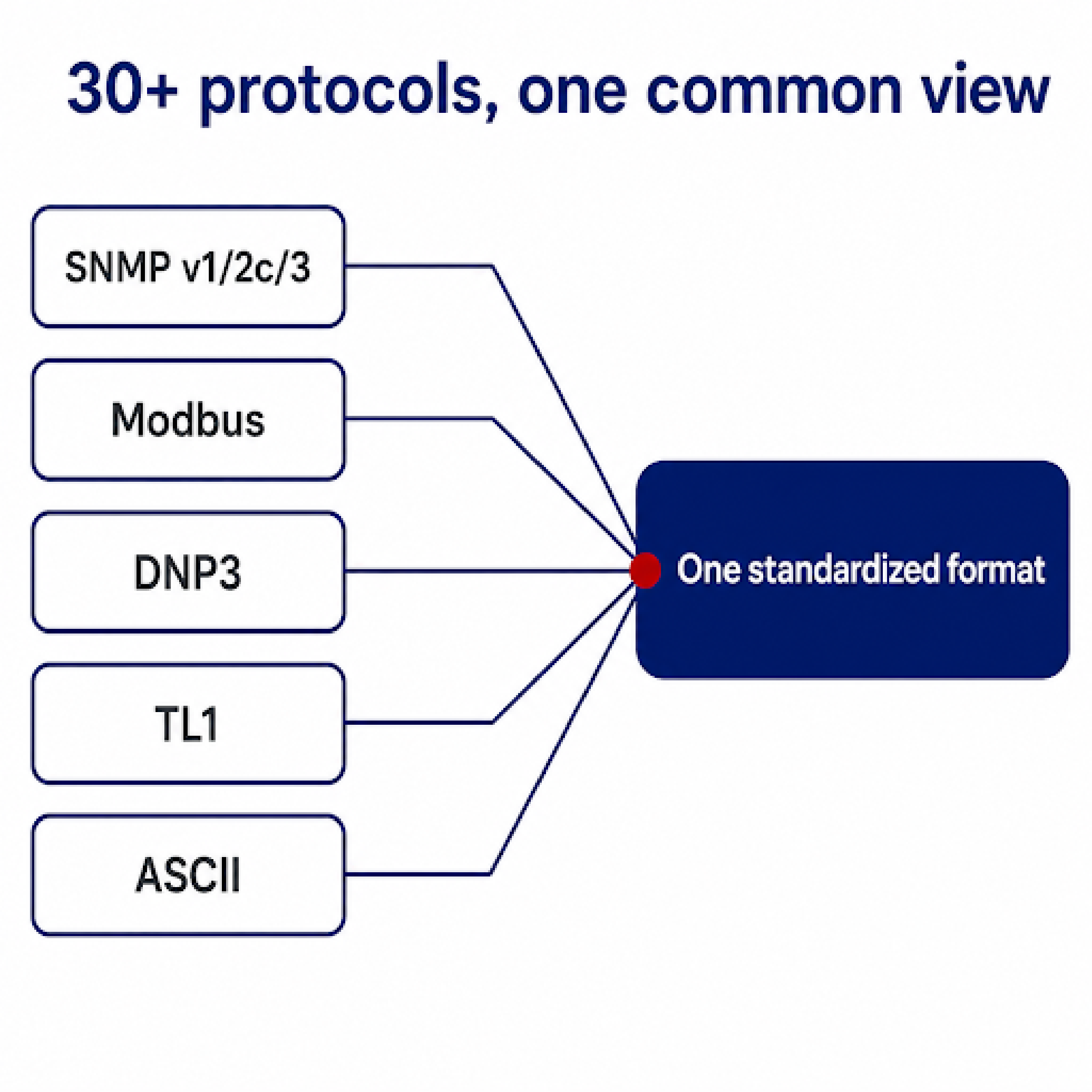
That protocol library grew over the years because clients kept asking us to support the specific gear they already owned. Dominion used T/Mon to bring three separate proprietary alarm systems into a single platform without replacing the underlying field equipment, which is a common reason operators reach for a multi-protocol master in the first place.
Once the alarms are in, T/Mon is the visualization and notification layer. Operators can drill down on a geographic map from a national view to a regional view to a photo of the specific equipment rack, so the Network Operations Center (NOC) can see exactly which site and which piece of gear is in alarm. That detail matters at dispatch time. Sending a technician on a long drive to a mountaintop site with nothing more than a "site offline" alert is expensive, especially when the real problem turns out to be a tripped commercial power feed and a generator running low on fuel. Knowing what's wrong before the truck rolls is where most of the savings come from.
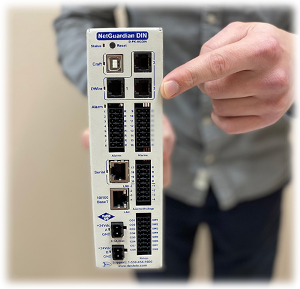
The physical side of the stack is our NetGuardian RTUs, which collect the discrete, analog, and protocol data at each site and report it to T/Mon. Because we design, build, and test both ends in Fresno, California, the data path between the RTU and the master answers to one manufacturer. If something doesn't show up on the dashboard, one call reaches the engineers who built both halves.
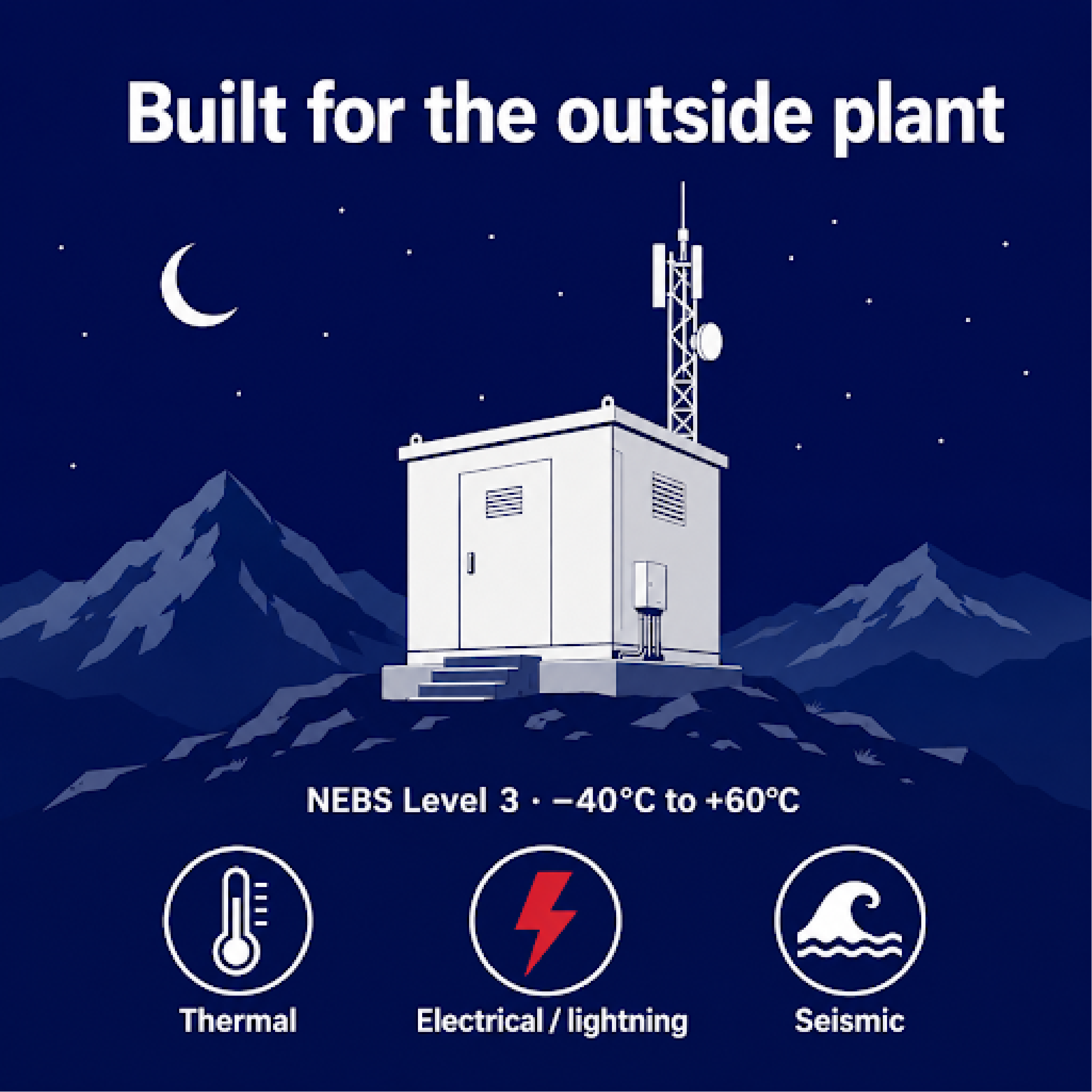
That field hardware also has to survive conditions a data center never sees. Our NetGuardian line is tested to the NEBS standard, with key models certified to NEBS Level 3, which covers thermal, electrical, and seismic resilience for outside plant deployments. For anyone wondering why commercial servers don't simply get dropped into roadside cabinets, In Compliance Magazine has a useful overview of what NEBS testing involves. A central software tool can't help you if the hardware collecting the data fails during a summer heat wave.
For smaller regional deployments, the T/Mon SLIM brings multi-protocol mediation to a compact master scale for local and regional networks, and our full alarm master station lineup covers the larger builds.
At a remote site, the deciding criteria are protocol coverage, where discrete and analog inputs get collected, and how the hardware holds up outdoors.
| Capability | SolarWinds (IT observability platform) | DPS T/Mon (remote site alarm master) |
|---|---|---|
| Primary design target | IT infrastructure, including servers, applications, network devices, and endpoints | Physical remote site infrastructure, including power, environmental, and field gear |
| Native data model | IP devices over SNMP, WMI, ICMP, and APIs | 30+ protocols, plus discrete and analog inputs through NetGuardian RTUs |
| Discrete and analog inputs | Brought in by adding a device that converts signals to SNMP | Collected directly at the RTU |
| Non-SNMP field protocols (TL1, Modbus, DNP3) | Typically converted to SNMP by an intermediary device | Mediated natively into one common format |
| Hardware environment | Software deployed on standard Windows or Linux servers | NEBS-tested field hardware, NEBS Level 3 on key models |
| Custom device and protocol support | Configured by the administrator with the platform's Universal Device Poller | Developed by DPS engineers, commonly included on qualifying orders with no separate Non-Recurring Engineering (NRE) fee |
| Where support comes from | The software vendor's support organization | The DPS engineers in Fresno who designed the hardware and the software |
| Vendor accountability | Monitoring software from one vendor, site hardware from another | One manufacturer for the RTUs, the master, and the mediation |
The SolarWinds details above were gathered from published product information. They may not capture the full range of available editions, and some specifics may have changed since they were reviewed. Confirm current capabilities and licensing with the vendor before you decide.
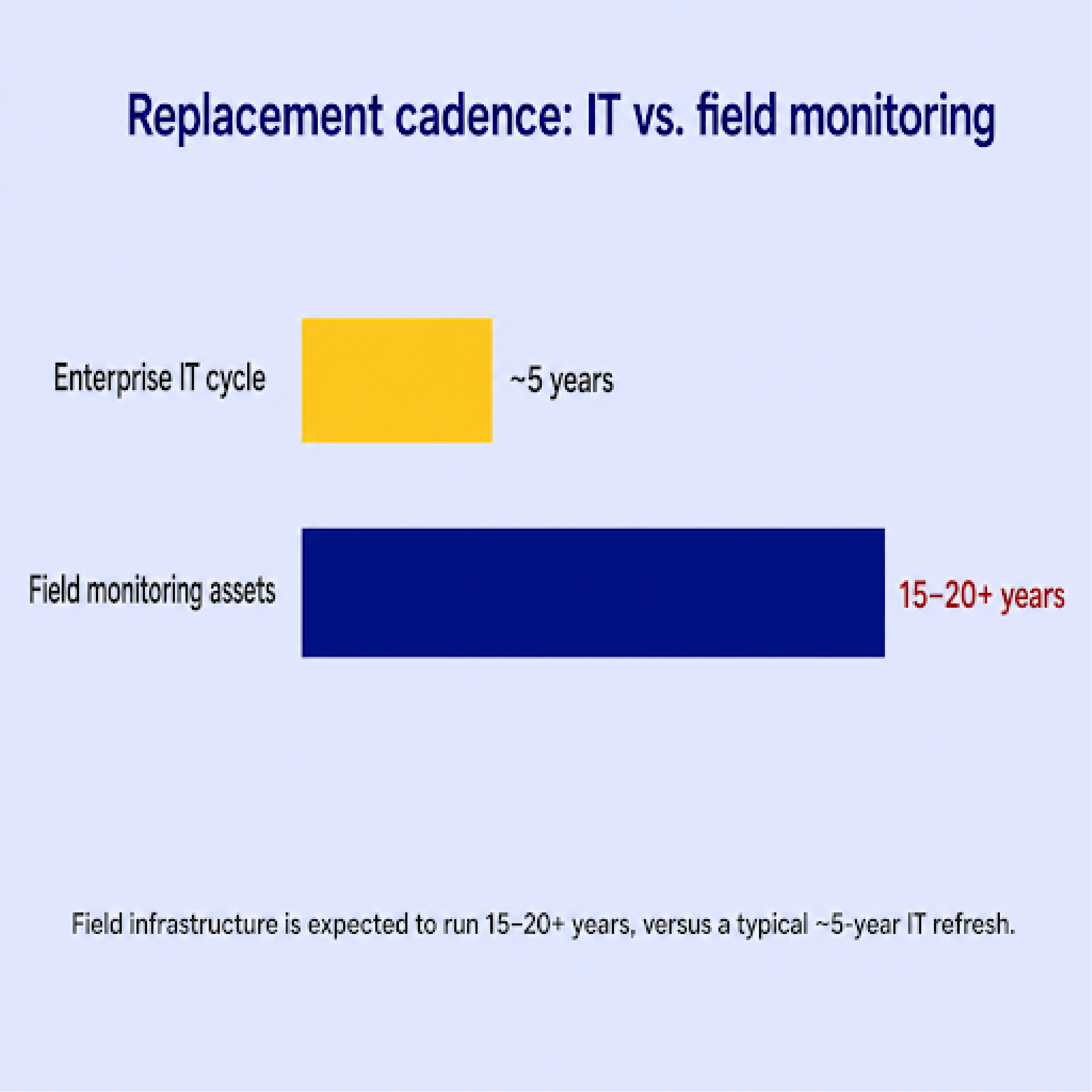
The cost difference that matters most at a remote site is replacement cadence.
Enterprise IT hardware and software are often planned around a replacement cycle of a few years, with end-of-life notices driving migration, upgrade, and server replacement work. Replacing a data center appliance on that cadence is normal practice. Replacing hundreds of RTUs spread across rural substations and mountain sites on the same schedule is a different kind of expense.
The physical monitoring world runs on a longer clock. Field assets are expected to work for 15 to 20 years or more, and our equipment is built to stay in service that long. Units we shipped in the 1990s are still in active service. We avoid planned obsolescence, provide firmware updates for the life of the product, and keep supporting units that have been in the field for decades. A consideration for buyers is that equipment staying in service for two decades spreads its cost over a much longer period than equipment planned around a shorter refresh.
Engineering fees, support access, and evaluation risk also factor into total cost.
In 100% Uptime, Bob Berry runs the math on a mountaintop site that takes a helicopter to reach. As he puts it, "that $800 device will pay for itself at least 3 times over after eliminating a single site visit." Our guide on how much an SNMP manager costs walks through the pricing tradeoffs on the master side.
There are networks where an IT observability platform is the better central system.
Yes. For a lot of operators, running both is the most practical setup.
Our NetGuardian RTUs support SNMP versions 1, 2c, and 3, so they report to third-party SNMP managers, including SolarWinds. Your IT team keeps SolarWinds as their central IT dashboard, and your NOC or facilities team runs T/Mon for remote site alarms. Our guide on the best RTU for SolarWinds compatibility gets into the specifics of that pairing.
T/Mon can also work the other direction, as a mediation layer. It aggregates the physical telemetry and older field protocols at the regional level, then forwards clean, encrypted SNMP version 3 (SNMPv3) traps up to an enterprise platform. The executive NOC keeps one unified IT view while T/Mon handles the mixed protocols and physical inputs at the sites underneath it. Our guide on choosing the best alarm master for multi-site network monitoring covers how to structure that master layer.
Not directly. SolarWinds reads devices over IP, so a dry contact from a door switch or a generator relay typically needs a device that converts the contact closure into an SNMP trap first. An RTU handles that conversion at the site.
It doesn't have to. Many operators run both, with SolarWinds as the central IT platform and T/Mon managing remote site infrastructure alarms. Our RTUs can also report into SolarWinds directly.
More than 30 natively, including SNMP versions 1, 2c, and 3, Modbus, DNP3, TL1, and ASCII text. We keep adding protocols as clients ask us to support specific equipment, and on qualifying orders that development is commonly included without an NRE fee.
Yes. They support SNMP versions 1, 2c, and 3, which covers standard SNMP managers including SolarWinds, HP OpenView, and Castle Rock, along with our own T/Mon.
If your monitoring is purely IP and SNMP based, an IT observability platform may be all you need. If your remote sites are full of physical infrastructure and mixed-vendor gear, we'd like to help you scope a purpose-built alarm master, whether that means T/Mon on its own or T/Mon working alongside the IT platform you already run. Tell us what you're trying to accomplish, and we'll help you build the right solution.
Talk to an Engineer | 800-693-0351

Andrew Erickson
Andrew Erickson is an Application Engineer at DPS Telecom, a manufacturer of semi-custom remote alarm monitoring systems based in Fresno, California. Andrew brings more than 19 years of experience building site monitoring solutions, developing intuitive user interfaces and documentation, and opt...